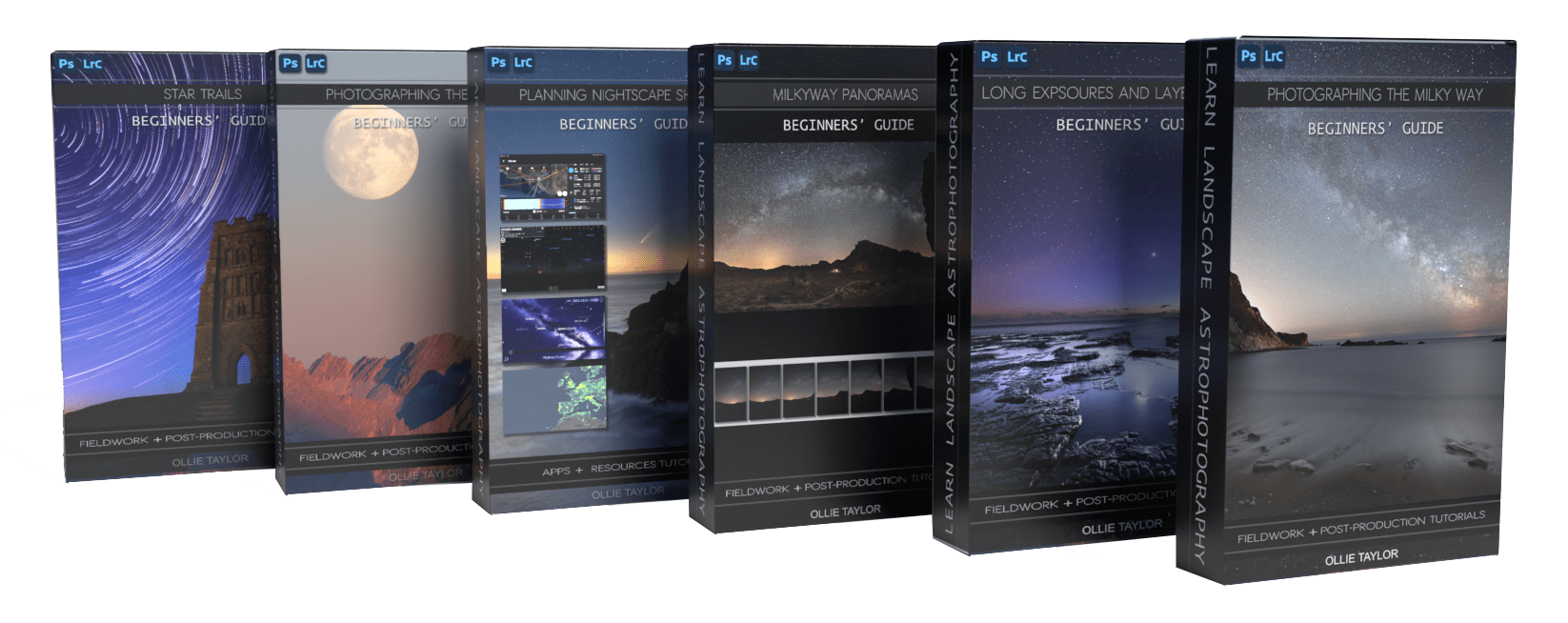
Landscape Astrophotography Course – Beginners Package
Description

LEARN TO PHOTOGRAPH THE MILKY WAY
Learning how to photograph the Milky Way is always photographers’ number one priority when starting out in landscape astrophotography.
Alongside learning a step-by-step “how to photograph the Milky Way” process, Ollie has always taught ‘in-depth how to plan’ landscape astrophotography locations and shoots, globally. This has also been delivered with enough clarity so that complete beginners understand exactly how to map out, undertake reconnaissance, and complete a successful shoot at their chosen location.
After going through a beginner’s technique, Ollie then backtracks and explains the technical aspects in more depth, which helps photographers better understand due to having actually undertaken the process in the field and classroom.
All subjects include video of Ollie demonstrating and giving step-by-step fieldwork tuition, and follow along video post-production sessions on Lightroom and Photoshop.
PART 1 – CREATING YOUR FIRST MILKY WAY IMAGE
Fieldwork tutorial video
Post-production (Lightroom follow along step-by-step tutorial)
SKILL LEVEL – COMPLETE BEGINNER & NEWCOMER TO ASTROPHOTOGRAPHY
The first part of the Astrophotography Course is completely reverse-engineered to cut out as much technical jargon other than camera settings, and get you out shooting in the field straight away. A basic understanding of manual mode, shutter speed, Aperture (F-stop/number) and ISO is all that is required.
FOLLOW ALONG POST-PRODUCTION FILES INCLUDED.

PART 2 – CREATING A PROFESSIONAL QUALITY IMAGE AND EXPOSURE BLENDING
Fieldwork tutorial video
Post-production 1 (Lightroom & Photoshop follow along step-by-step tutorial)
Post-production 2 (Lightroom & Photoshop follow along step-by-step tutorial)
SKILL LEVEL – INTERMEDIATE (depending on existing Photoshop knowledge)
FOLLOW ALONG POST PRODUCTION FILES INCLUDED.

PART 3 – PLANNING
PhotoPills tutorial video – Milky Way planning (globally)
Alternative moon and twilight planning resources and user video guide
Star Walk tutorial video – Discover what is in the night sky and when
Understanding light pollution, light pollution measurements, and resources and video guide
Understanding the weather and recommended apps video guide
SKILL LEVEL – BEGINNER

PART 4 – BASIC PANORAMA

Fieldwork tutorial video
Post-production (Lightroom or Photoshop; two workflows provided)
LEVEL – BEGINNER
FOLLOW ALONG POST-PRODUCTION FILES INCLUDED
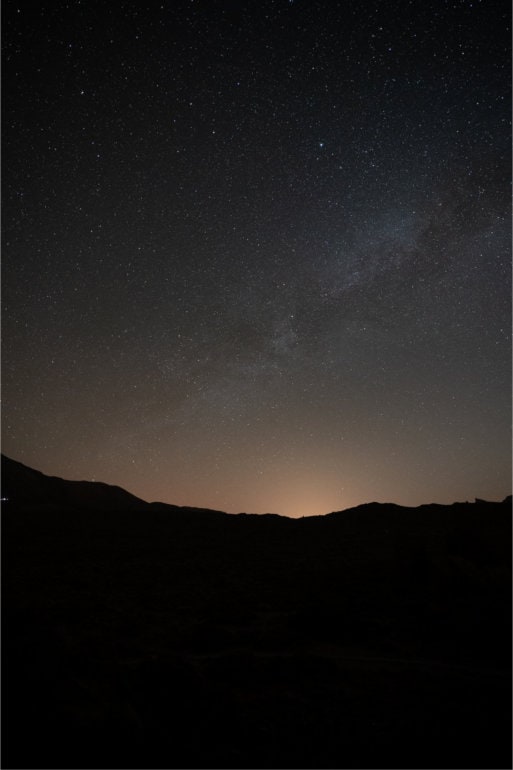


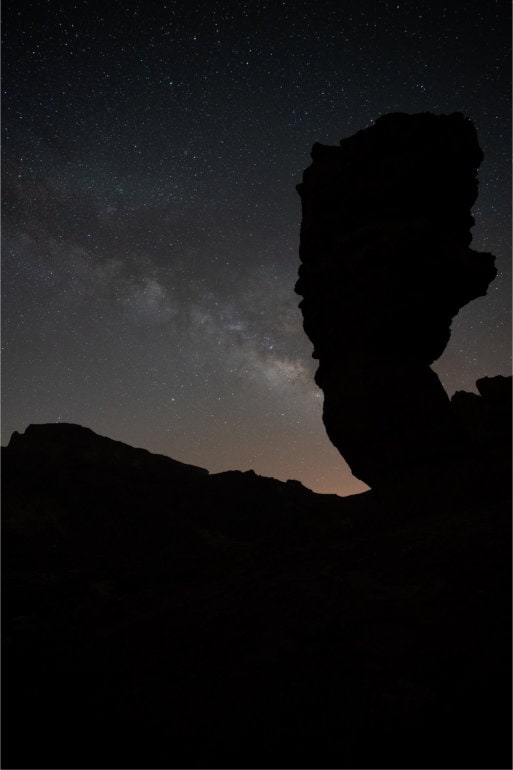
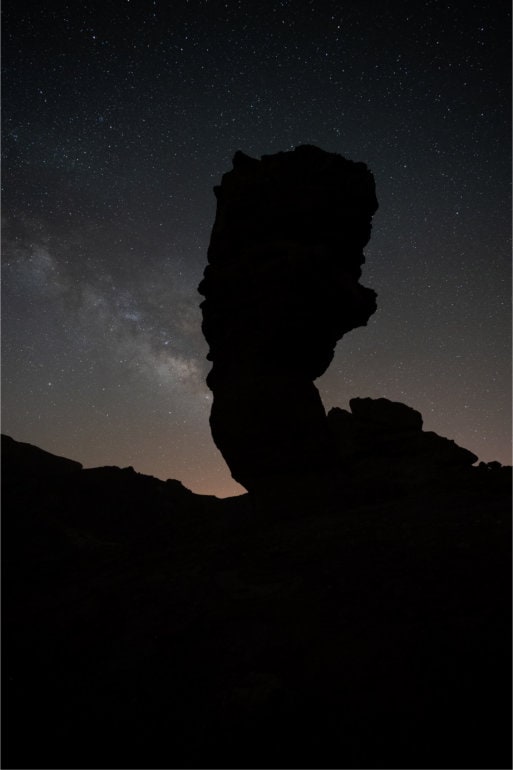
Fieldwork & location planning video
Short post-production demo video
Advanced Planning on Photopills tutorial video
Intro to Stellarium tutorial video
Stellarium & PhotoPills combined tutorial video for advanced planning
SKILL LEVEL – BEGINNER to INTERMEDIATE

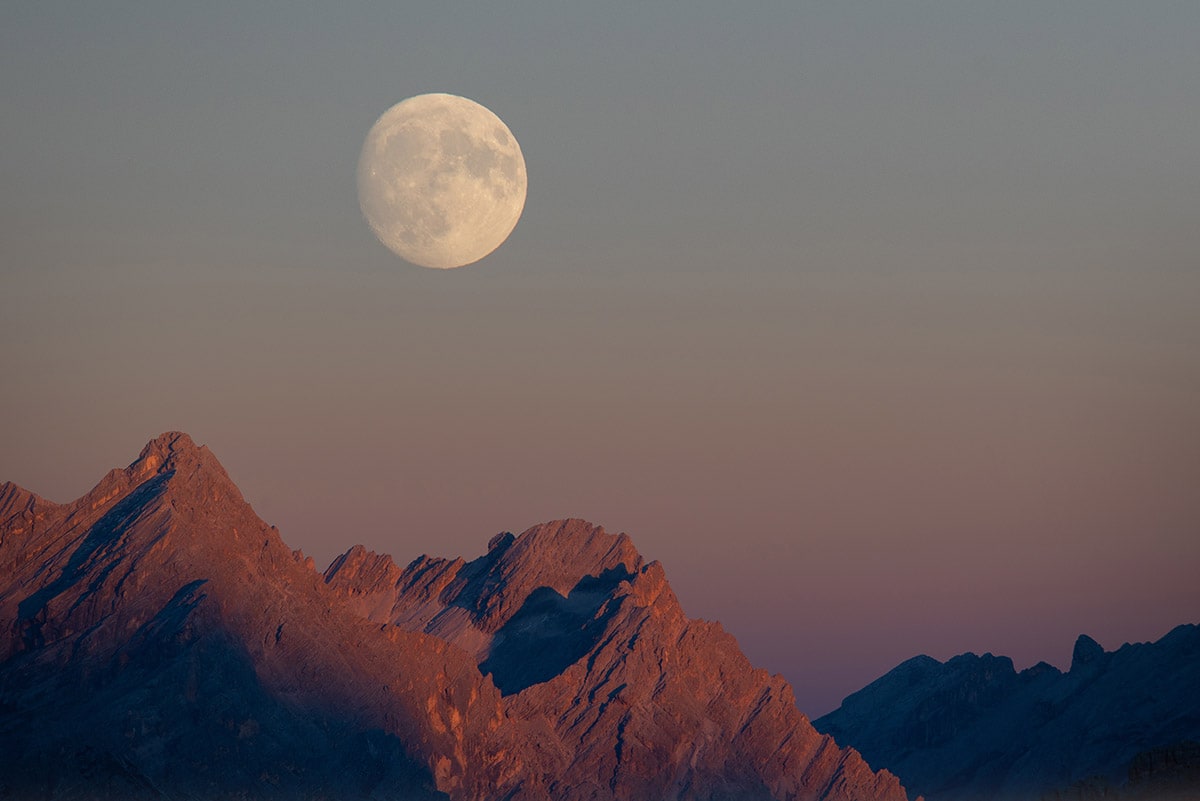
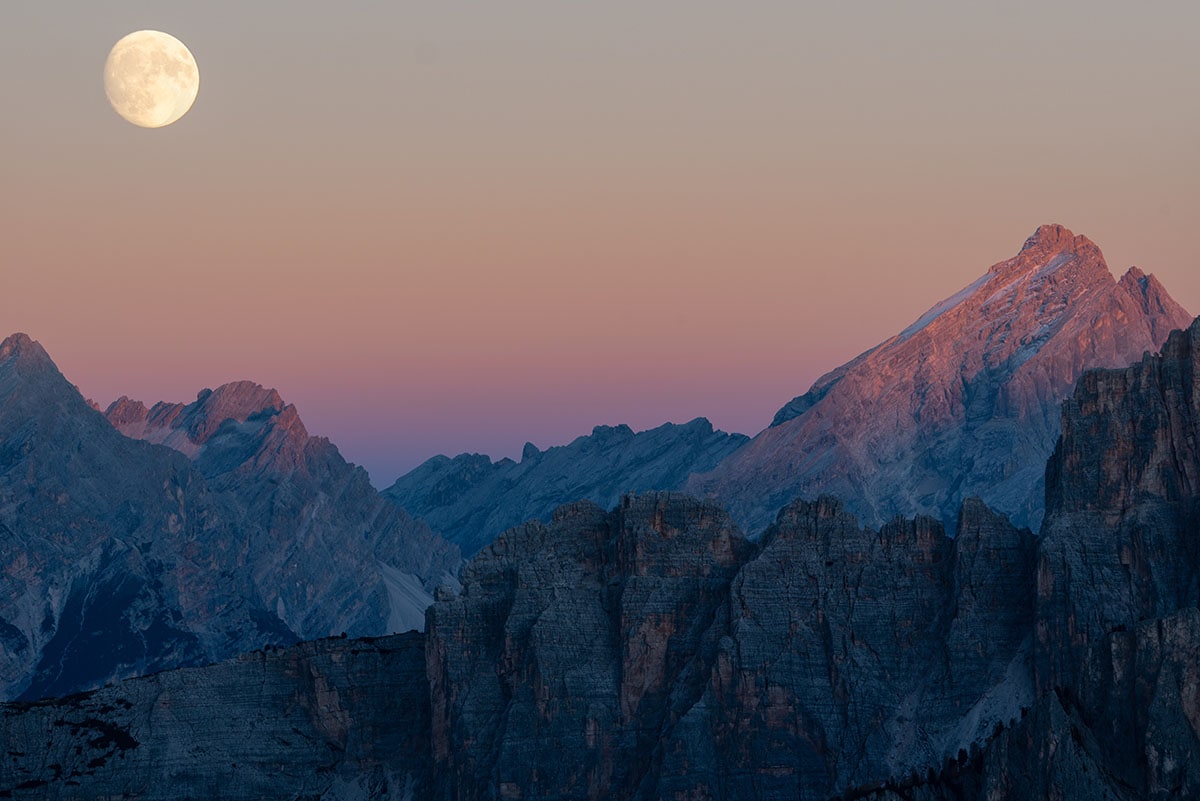
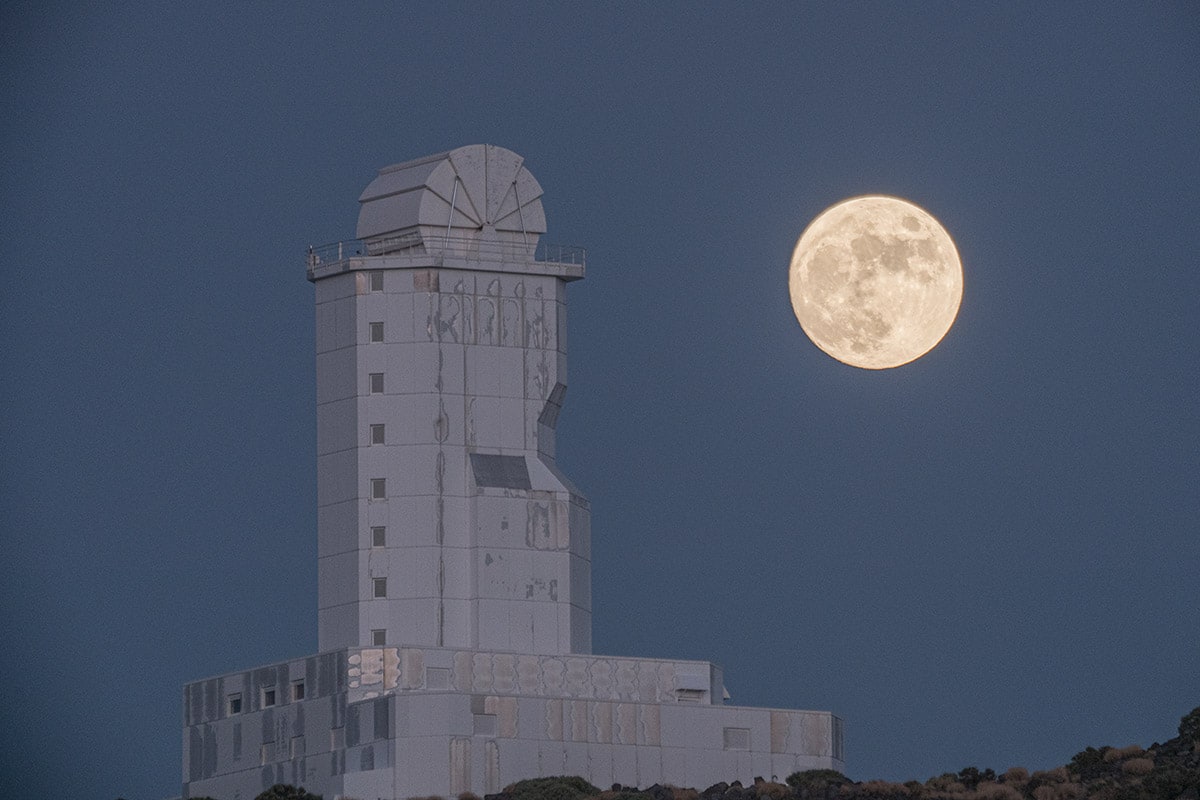
What is Coma/Chromatic Aberration/Purple Fringing?
What is ISO Invariance and why does it matter?
Sharp stars, what is the 1-500 rule and why doesn’t it work for most cameras?
Sharp stars, what is the NPF rule?
Advancing to faster lenses and longer focal lengths
Fast lens considerations, and lens image circle
Calculating long exposures and relation to a throw away frame
What is tracking?
FOR EDUCATIONAL PRICES, CAMERA SCHOOLS, AND CLUBS PLEASE CONTACT OLLIE.
ADDITIONAL OPTIONS
BEGINNER V INTERMEDIATE PACKAGE
Please see Intermediate Pack 1 for the following additional tutorials:
Stacking for sky and foreground
Trackers and tracking
Tracked images and long exposure foregrounds
Multirow nightscape panoramas
Multirow panoramas with stacking, long exposures for clean foregrounds, and focus stack (ultra – high res)
Tracked Panoramas
Vortex Star Trails
Photoshop Astro plugins
Post-production for all the above
EXAMPLE POST-PRODUCTION TECHNIQUES
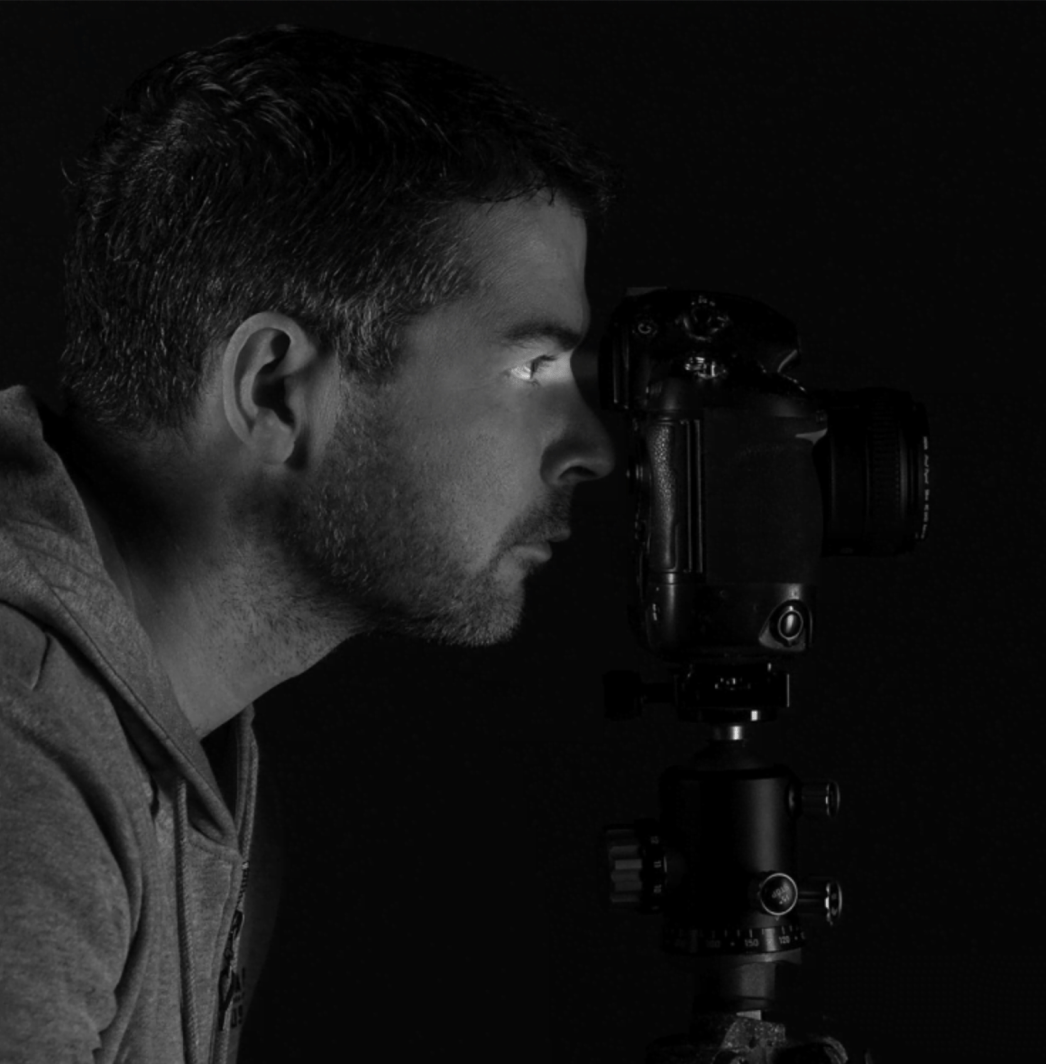
Late 2012 Ollie drafted up a structured workflow to create publishing industry standard, high quality landscape astrophotography images, that works consistently every time.
Following this, late 2013, he quit the 9-5 and launched Europe’s first, and for many years, only structured landscape astrophotography workshops, joining just a small handful of landscape astrophotography tutors globally. He has since taught thousands of people landscape astrophotography in the field, and in post-production sessions using Lightroom and Photoshop.
Part of his success was down to deconstructing all the technical jargon people get bogged down with and using a simple step-by-step process in the field, and within post-production that can easily be followed by complete beginners, arming them with the knowledge to be able to go out and reproduce this type of imagery again and again by following the exact step-by-step landscape astrophotography tuition.
Ollie still uses this technique for 75% of his nightscape images today, and teaches the exact same method on his workshops, only diversifying for more complex images, which you can learn from these tutorials too.
The beginner’s tuition always focuses on learning how to photograph the Milky Way, followed by how to edit the Milky Way subtly in Lightroom and Photoshop.
Ollie has been published in countless photography and space magazines during the last decade predominantly writing about landscape astrophotography techniques. Other renowned titles include, Nat Geo, Forbes, TWAN, and NASA, he is also a regular contributor to the European Space Agency website and tributaries alongside being published in multiple global tabloids.
Information
Tutorials packaged in zip folder, with zip folder for each section.
Each section contains labelled tutorial videos, post-production file folder with numbered files where required and PDF contents and instruction file.
Available on DVD with files on Pen drive (see links above to order)
Software Required
Adobe Lightroom
Adobe Photoshop (optional, required for Part 2)
StarStaX
Phone and Tablet Applications Required
PhotoPills
Stellarium (optional)
StarWalk or SkyGuide (optional)
COMPUTER HARDWARE
Minimum 8GB RAM recommended (4GB RAM may not be able to complete Part 5, and may operate slowly on the Photoshop section of Part 2).
Please subscribe to my newsletter for future updates on Intermediate Pack 2, advanced packs, and workshops.
ANY QUESTIONS?
Please click here to contact me.
Not to be used for educational or commercial purposes without purchasing an educational license.
ORDER COURSE
Please select which format you would like to order below.
If you have any questions please click here to contact Ollie Taylor.
Additional information
| Option | Beginners – Digital, Beginners – DVD and Pen Drive |
|---|
Related products
-

Landscape Astrophotography Tutorials Joint Pack
View Product This product has multiple variants. The options may be chosen on the product page -
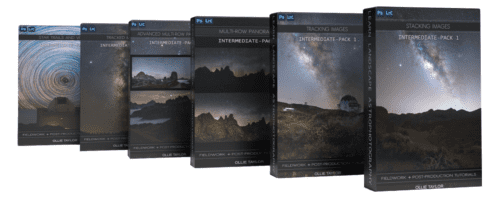
Landscape Astrophotography Course – Intermediate Package
View Product




Reviews
There are no reviews yet.